Reference
Reporting bugs & sending feedback
How to send us screenshots, videos, and ideas.
Quick start
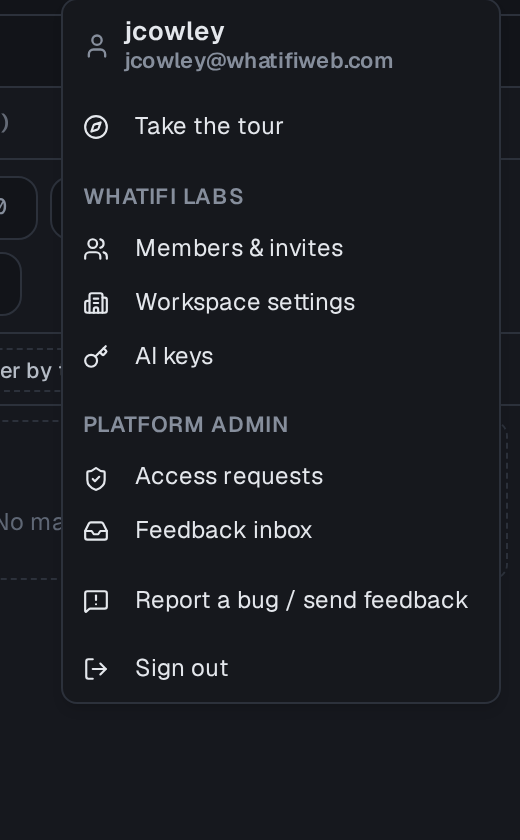
- Sparkle FAB → Send beta feedback, or Account menu → Report a bug.
- Drag/drop or paste a screenshot right into the dialog.
- For video walkthroughs we recommend Loom — paste the link in the notes.
- Your report is emailed to support with your address as reply-to.
Details
Bug reports include a timestamp, your current URL, and the active project so we can reproduce faster. Screenshots are attached to the ticket directly — no separate upload step.
Slate is in active development and these docs cover the bidding product only. Vendor-side tooling is documented separately once it's live.