Player & markers (POST)
Markers & binding
Drop timestamps on the QuickTime and connect them to shots.
Quick start
- Press M to drop a marker at the current playhead.
- Click a marker to open the bind popover, then pick a shot.
- Unbound markers show as orange chips in the rail.
- Use ⌘Z to undo the last change.
Details
Marker states
- Unbound (orange) — a timestamp with no shot attached.
- Bound (neutral) — attached to a shot on your list.
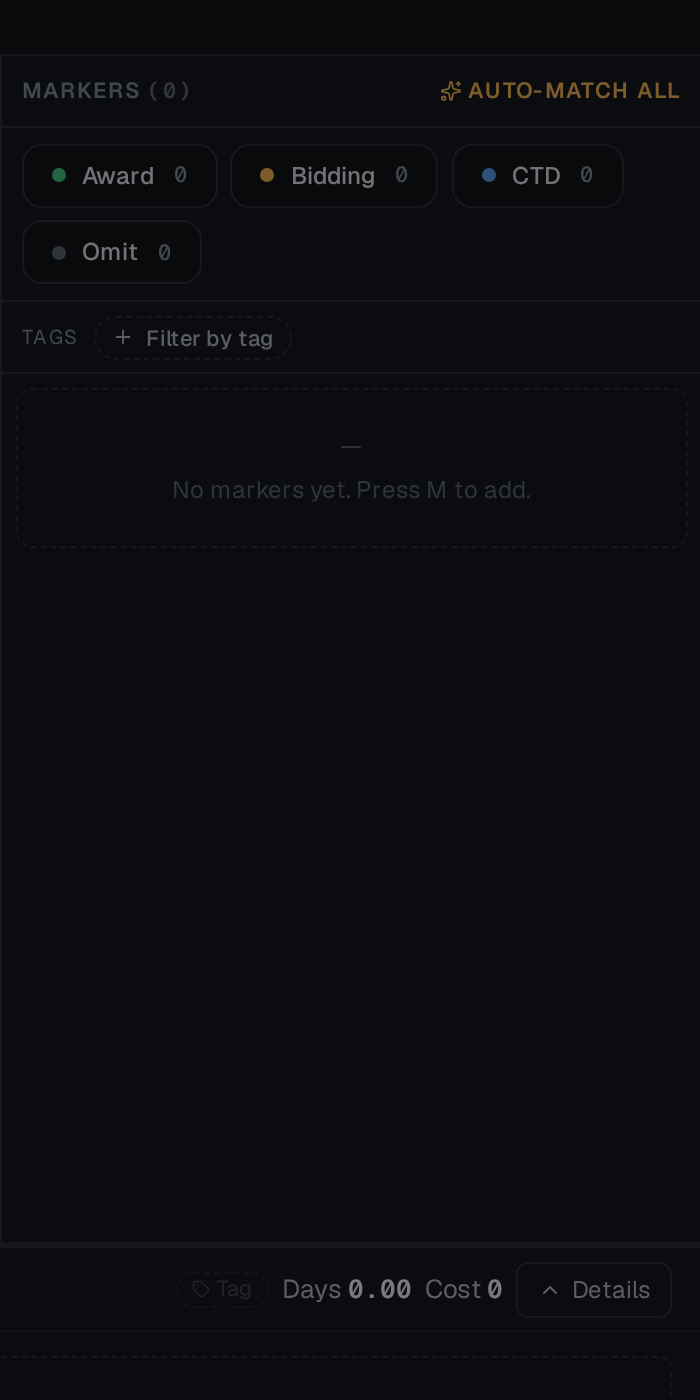
The markers rail also holds your status filters (Award / Bidding / CTD / Omit), the Filter by tag row, and the Auto-Match All button for bulk binding.
Bulk binding
Use Auto-match all in the markers rail. Slate will:
- Read the OCR text captured when the marker was created (or re-detect it).
- Match against existing shot codes.
- Offer to create new shots for markers with no match.
See Auto-detect markers for the full flow.
Multiple reels
A POST pack can carry several QuickTimes feeding one shot list. Switch reels from the media chip in the context bar; markers stay attached to the reel they were dropped on, and timecode offsets keep the shot list consistent across them.