Getting started
Your first project
From empty workspace to a priced bid, either from a script or a cut.
Quick start
- Start at /home and use Quick start — it creates a project and picks your departments.
- Create a bid pack and choose its stage: PRE (script) or POST (QuickTime).
- PRE → upload a script, run the breakdown, review the shot list.
- POST → attach a QuickTime, drop markers, bind them to shots.
- Fill in days — by hand, from a preset, or with AI Quick Bid — then Export.
Details
Quick start

The setup flow asks for a project name, a 3-letter shortcode, and which departments you bid. Departments become your default bid categories — editable later under Setup → Bid Categories.
Pick a stage first
The first real decision is the bid pack's stage. It changes which tools Slate offers:
| PRE | POST | |
|---|---|---|
| Source | Script PDF | QuickTime |
| Main view | Script | Player |
| Shots come from | AI breakdown / work type counts | Markers |
| Priced by | Work type + tier days | Per-shot days |
You can have both kinds of pack in the same project — that's the normal path for a show that gets bid at script stage and re-bid on the cut.
Then fill the grid
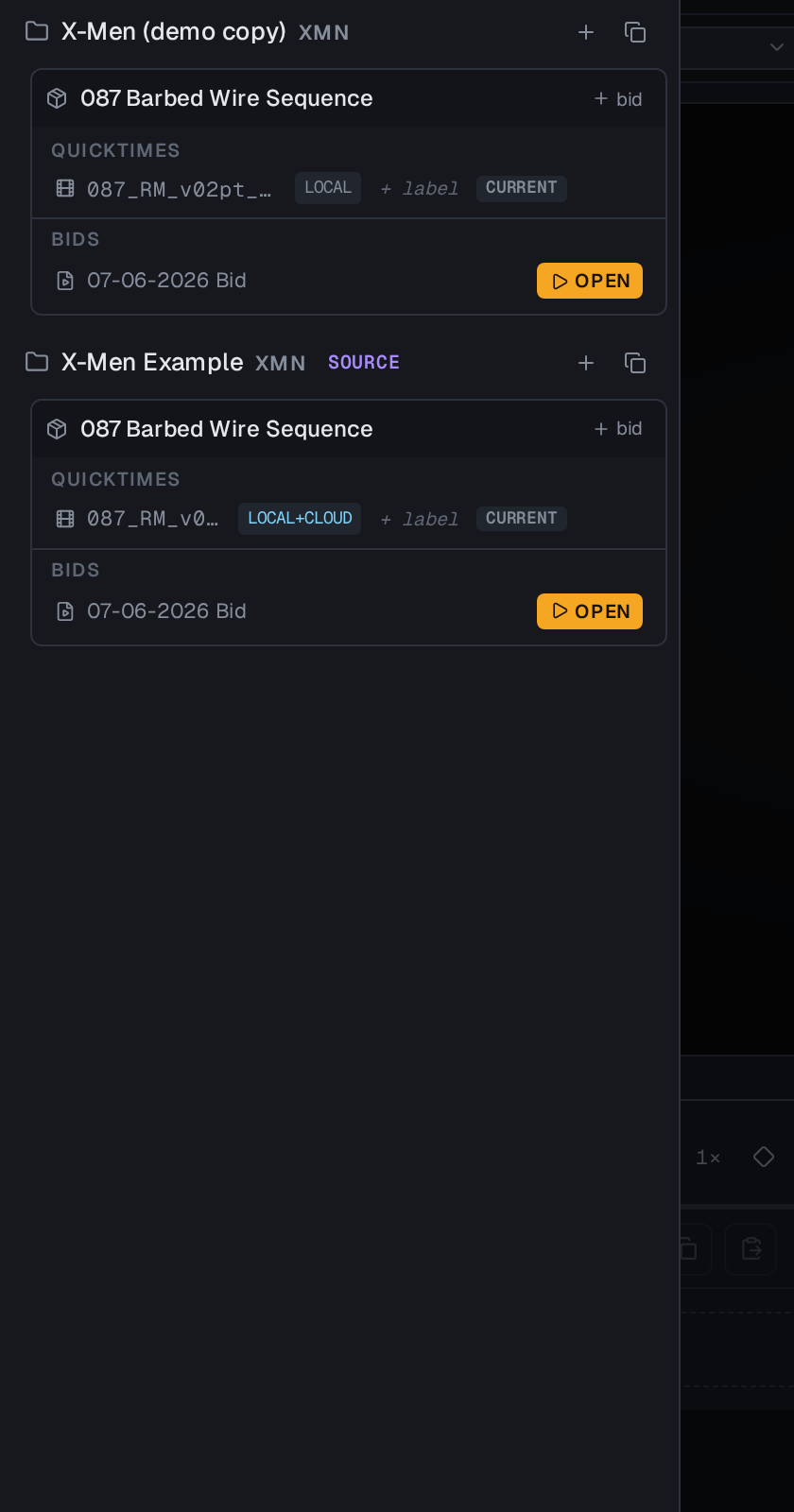
Use the context bar under the top nav to switch project, pack, and media without leaving the page. Once shots exist, the fastest route to numbers is usually: set tier days once per work type, then adjust the handful of shots that don't fit.