Bidding & the shot list
Bid presets
Save repeatable day-count templates and apply them to shots or tiers.
Quick start
- Setup → Bid Presets, or the Bid presets button on the Shot List.
- Each preset is a set of day counts per category.
- Apply to selected markers, shots, or a work type tier.
- Great for simple cleanup, set extension, heavy comp.
Details
When to use presets
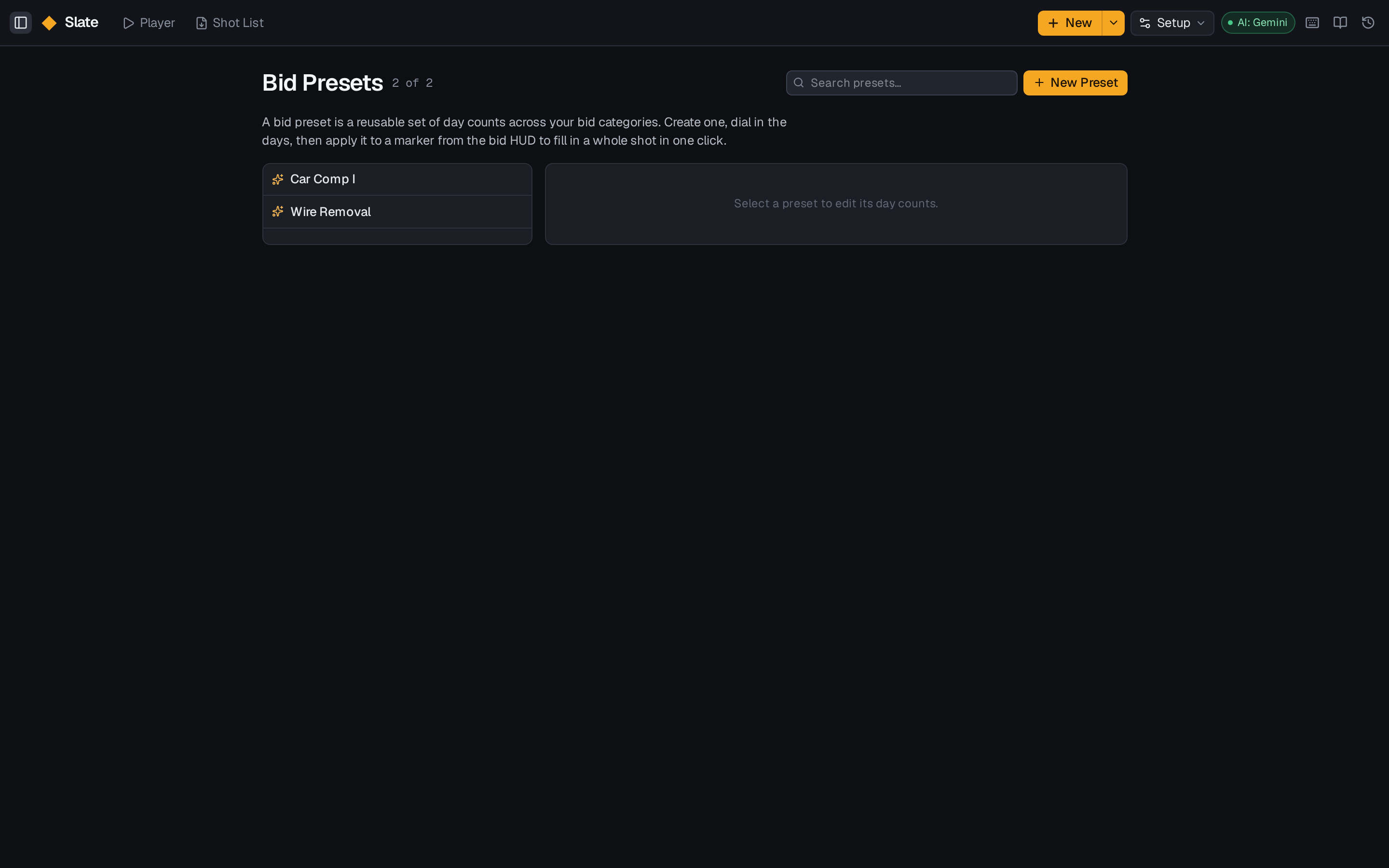
If you keep typing the same day counts, promote them to a preset. Presets are workspace-scoped so the whole team benefits, and you can create one inline while bidding a tier via + New preset for this tier….
Applying is destructive
Applying a preset replaces the day counts on the selected rows. Slate warns you when the selection already has values — read the warning rather than clicking through it, and remember undo has your back for 7 days.
Presets vs AI Quick Bid
- Preset — deterministic, you know exactly what will land.
- AI Quick Bid — describe the shot in words and Slate proposes days. Best for shots that don't fit a template.