Bidding & the shot list
Tags
Categorise shots for filtering, exports, and AI questions.
Quick start
- Right-click a marker or shot (or selection) to open the tag picker.
- Press T with rows selected for the same picker via keyboard.
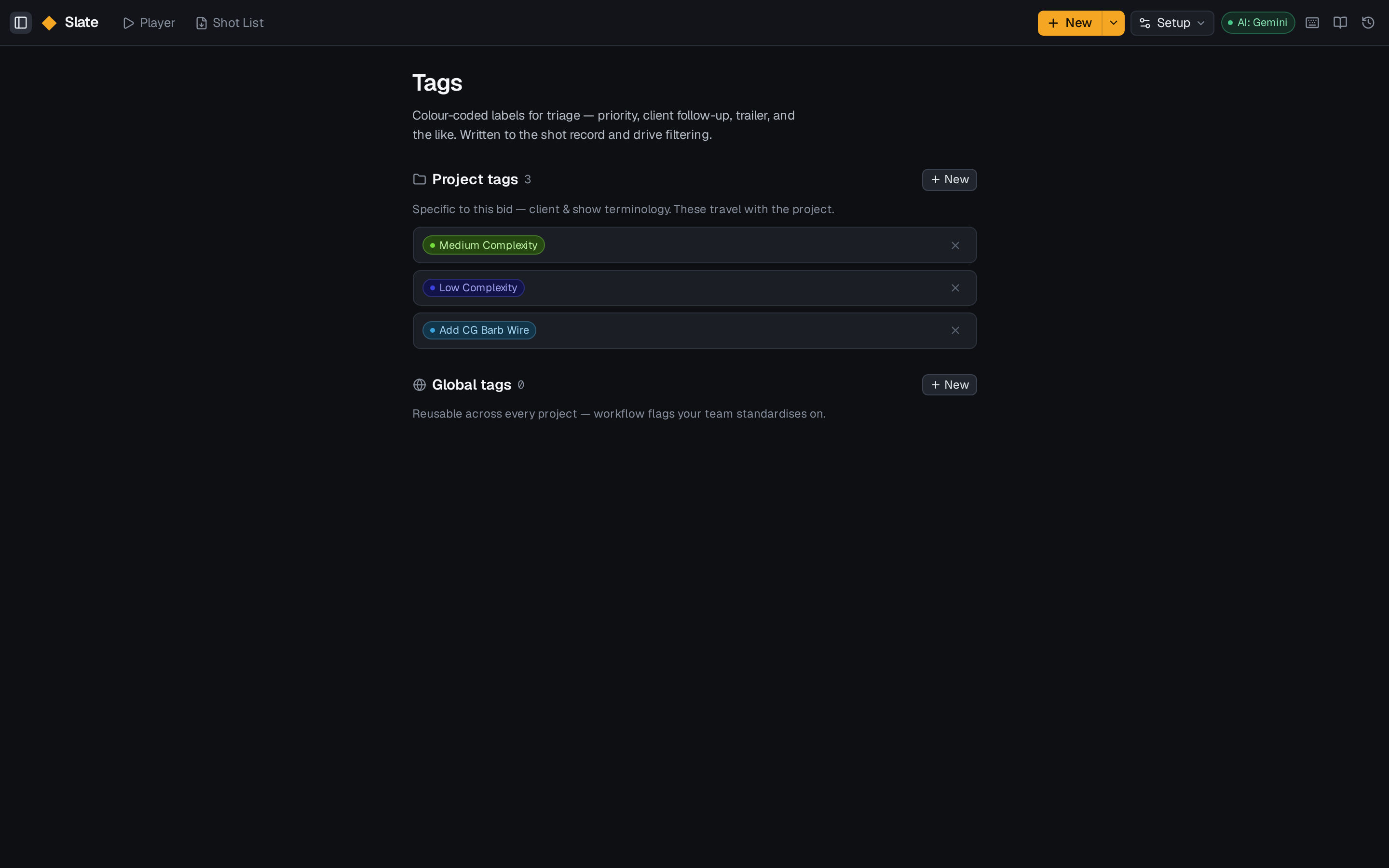
- Manage the full tag library under Setup → Tags.
- Ask Slate can use tags: how many hero shots do we have?
Details
Assigning tags
- Right-click a row — the picker opens at the cursor and applies to the whole selection.
- Keyboard: select rows, press T.
- Hover a single row and click the small tag chip.
The Filter by tag row is for filtering, not assignment.
Structure vs flex
Categories are structured — they have rates. Tags are everything else you want to slice by: hero, stereo, stretch goal, needs approval. Tag colours are chosen on creation and persist across the workspace.